 EduTrak Tuition & Billing
Most business offices handling tuition are still running it through spreadsheets, manual invoices, and follow-up calls. The EduTrak Tuition & Billing Module puts contracts, invoicing, auto-pay, and family payments in one system, whether you're starting fresh or adding tuition to an existing EduTrak account.
 Click to expand
Part of the EduTrak platform
What It Does
These are the features your business office will use every week. No tiers, no add-ons for the basics.

Parents access tuition balances and make payments directly through PowerSchool without a separate login. DataBridge syncs enrollment, demographics, and family data from PowerSchool, Skyward, and other systems automatically.
Credit cards, debit cards, ACH/eCheck, and electronic bank transfers process through PCI DSS compliant gateways. Processing fees are shown before checkout. Full and partial refunds are supported with a complete audit trail.
Four steps. After setup, your business office manages exceptions, not the process itself.
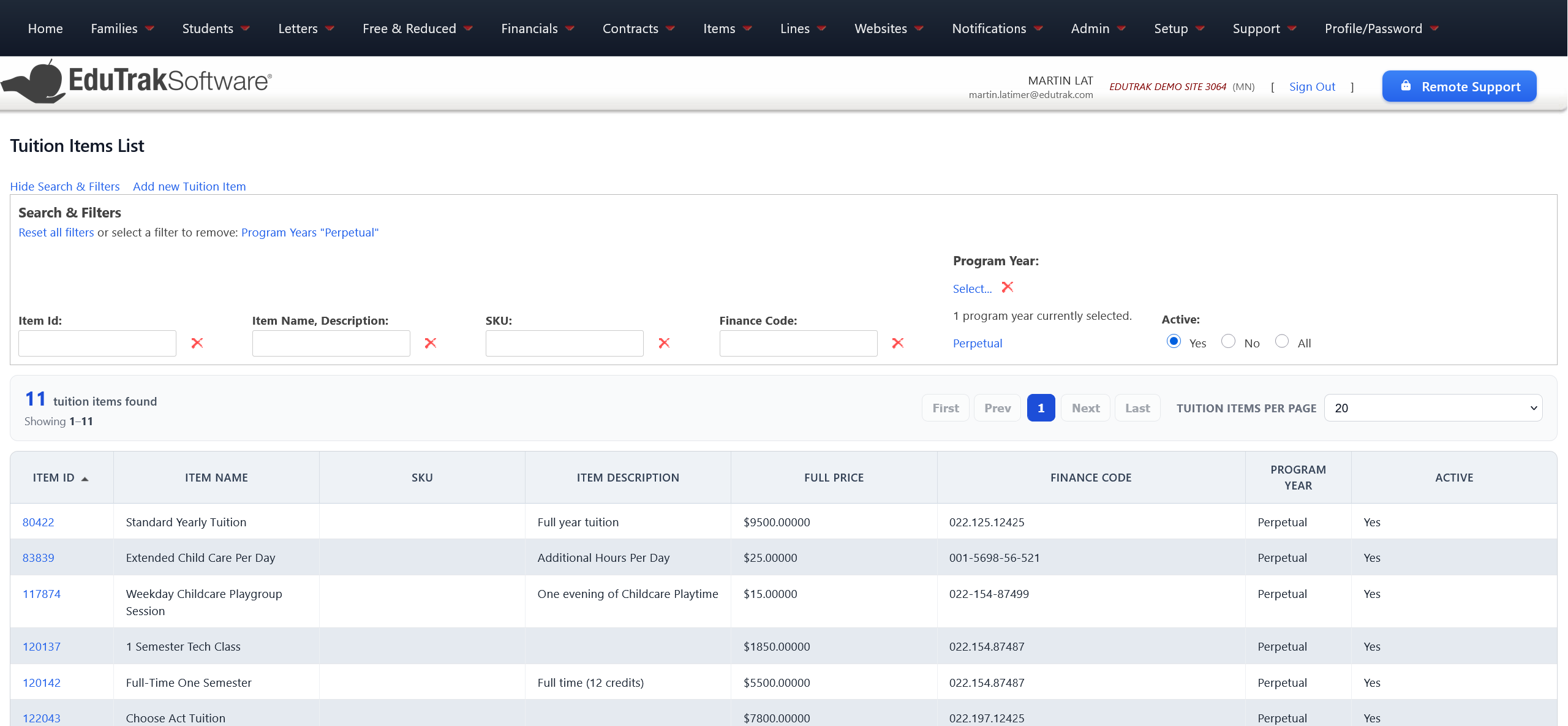
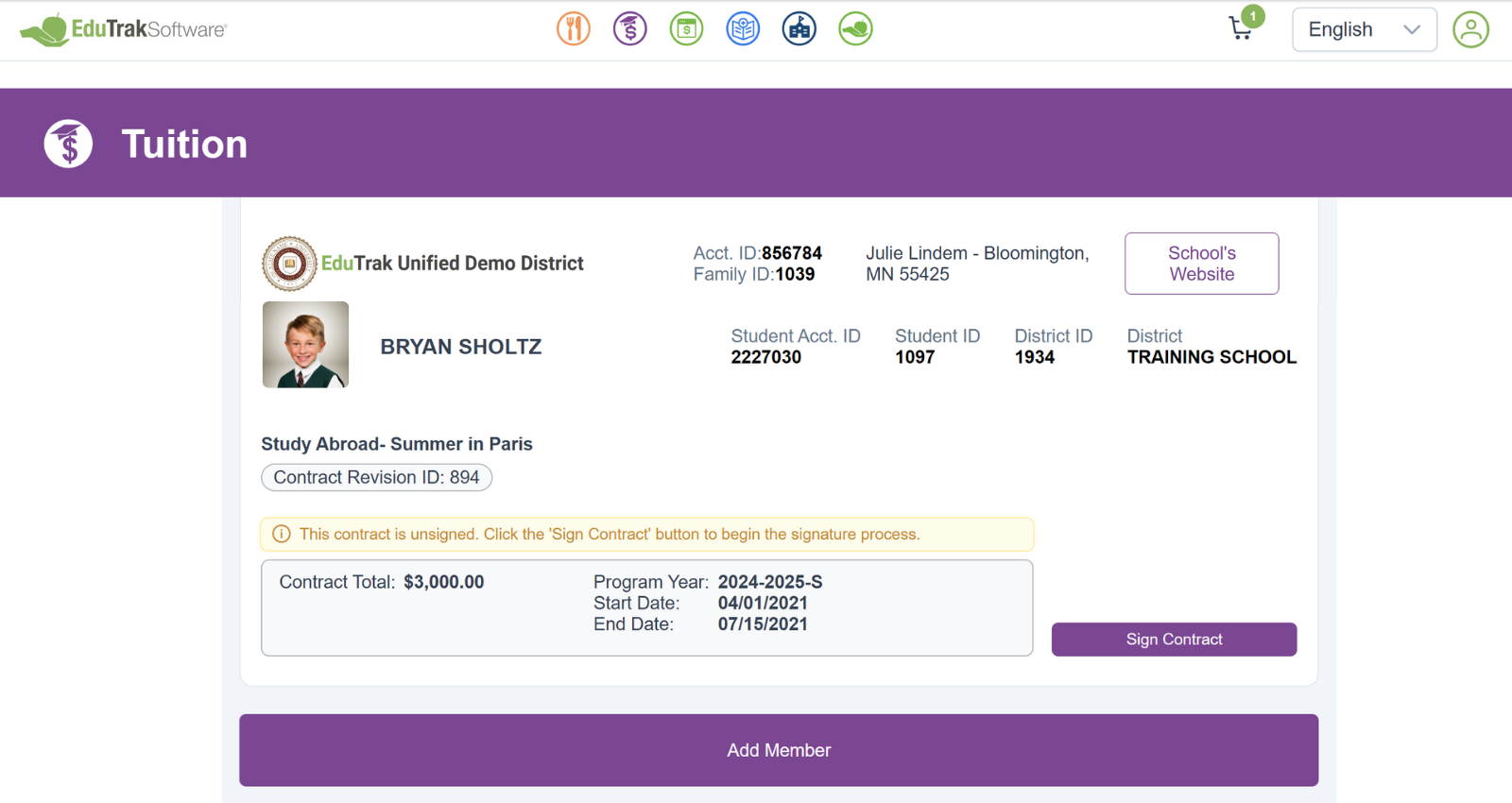
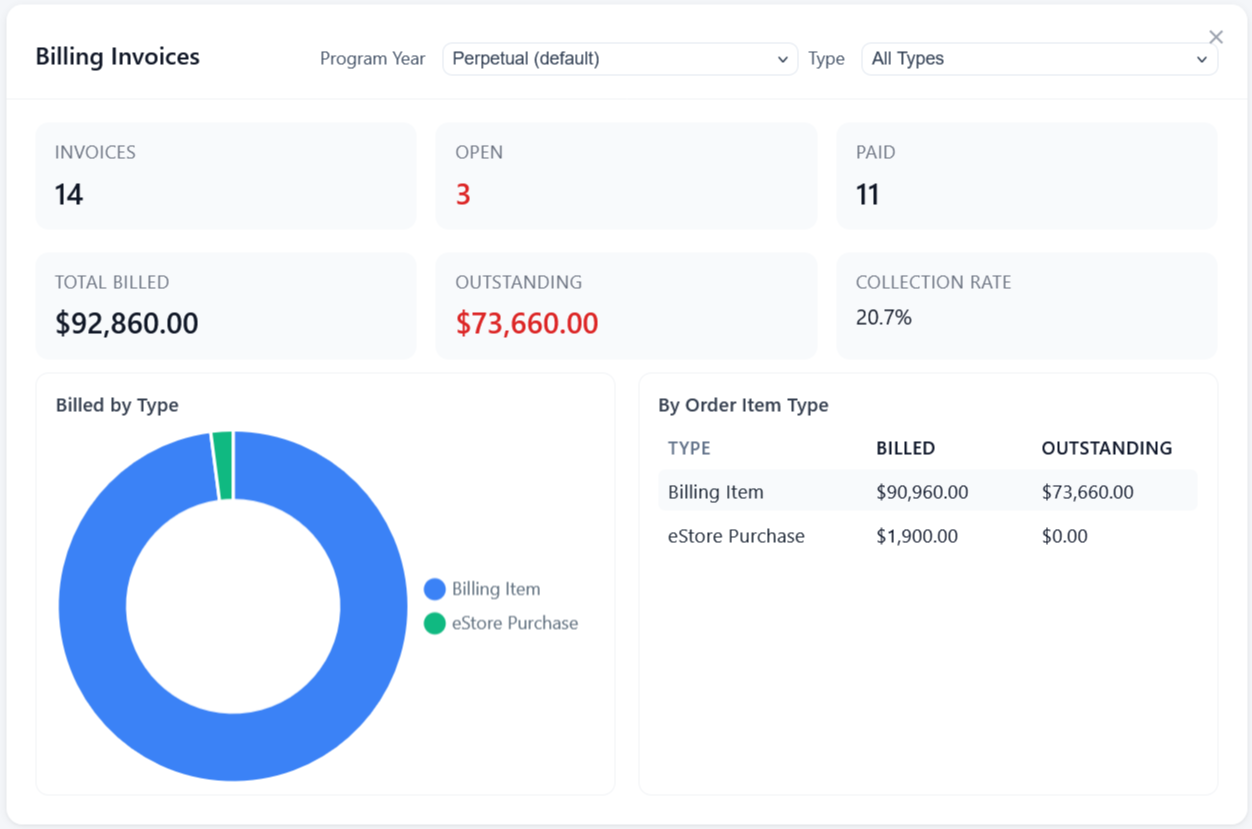
Create tuition contracts with the amounts, terms, and billing schedule for each family or program.
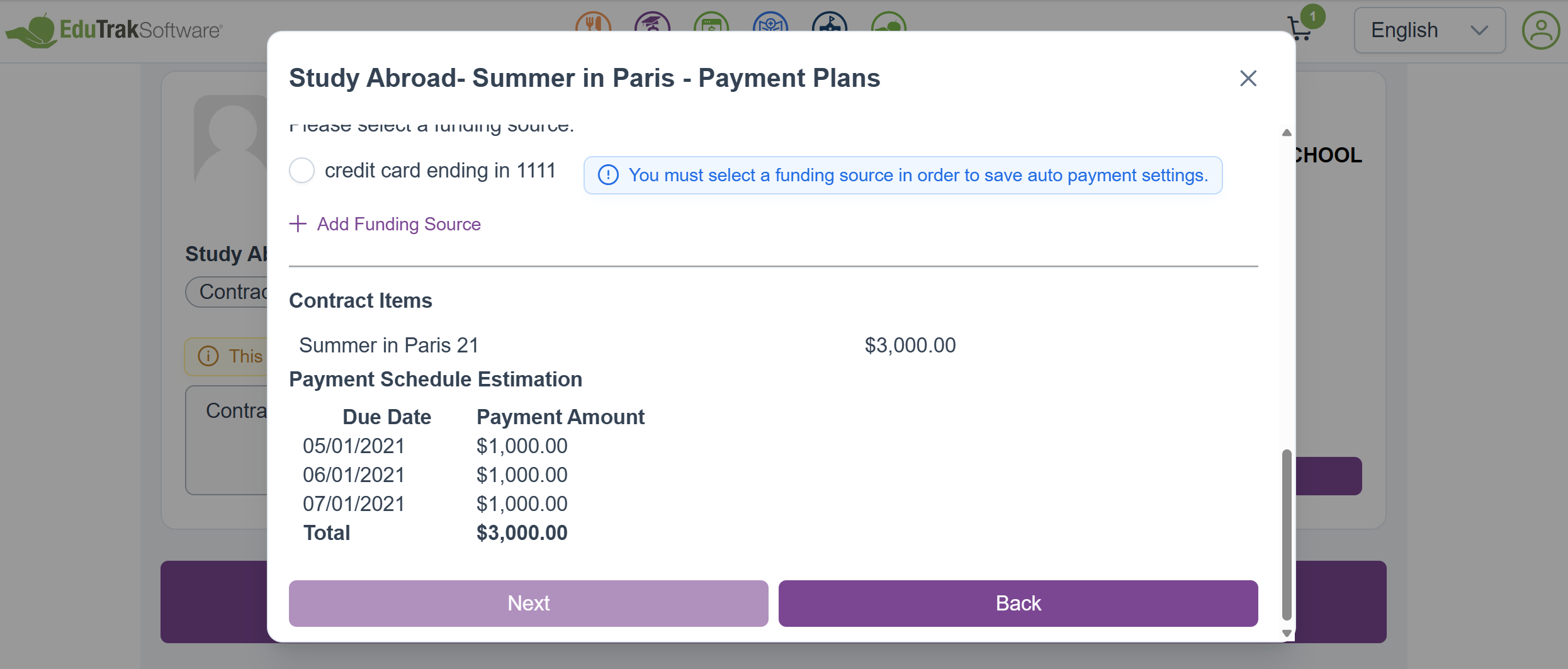
Billing runs automatically with reminders, auto-pay charges, and configurable late fees. No manual runs required.
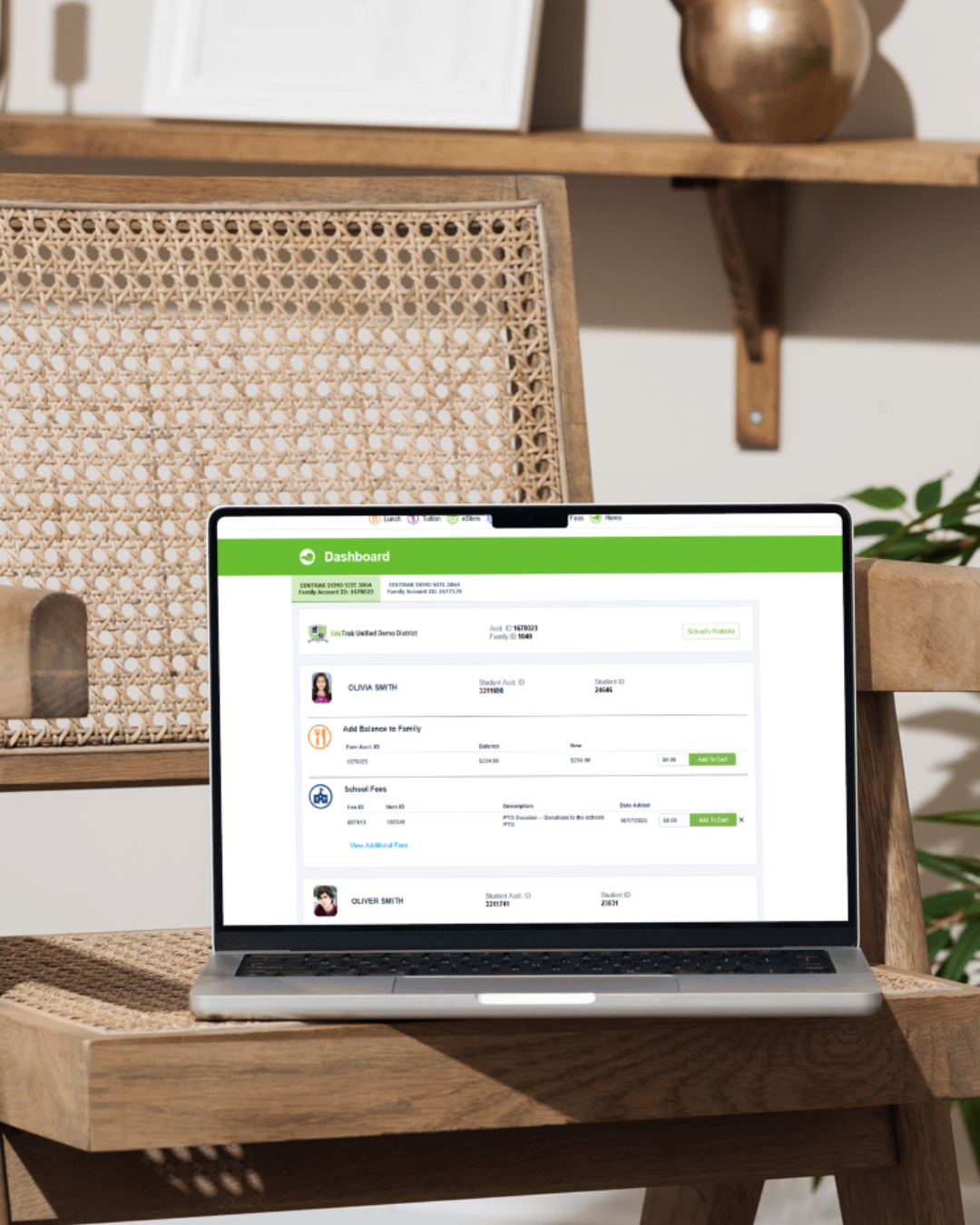
Parents pay from the same account they use for lunch, fees, and childcare. One login for everything.
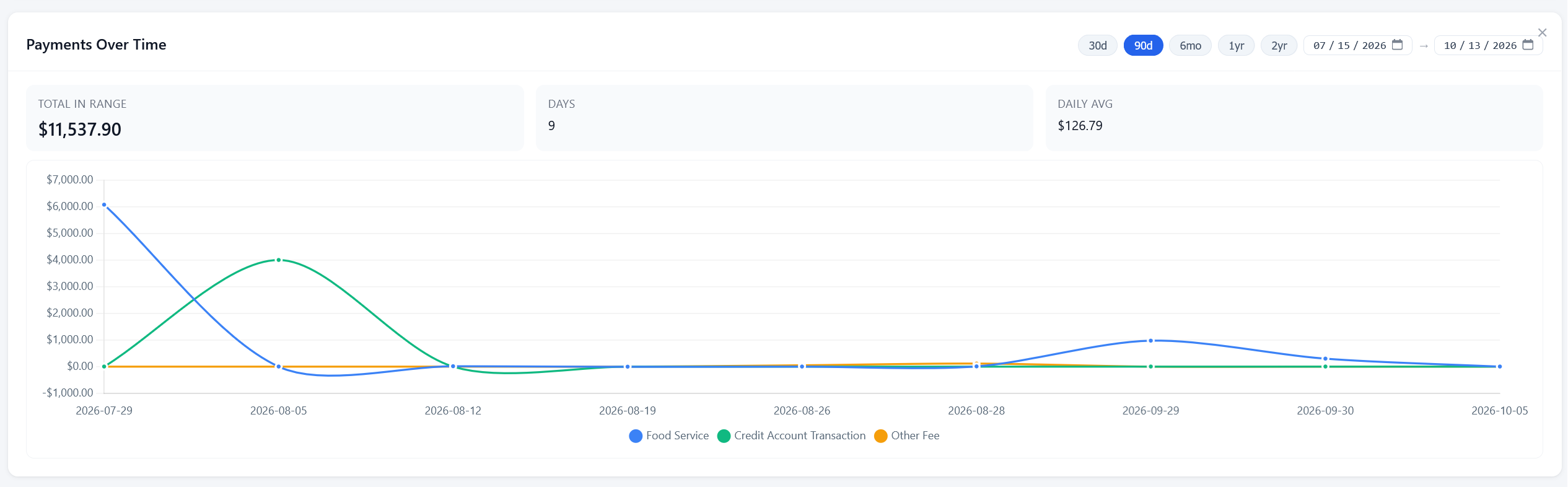
Payments post with the account codes your finance system already uses. The books stay current without manual exports.
No sales call needed. These self-guided tours show the real product.
 Self-Guided Demo
See contracts, invoicing, and the parent payment experience end to end.
Start the tour →
Self-Guided Demo
How parents view balances and check out directly inside PowerSchool.
Start the tour →Want to see other modules? Browse the full demo library.
When tuition responsibility is divided between two households, most billing software can't track it. Your office ends up managing the split manually, fielding calls from both parents, and reconciling payments from two directions.
The Tuition & Billing Module handles split billing natively. Each parent gets their own login, their own payment schedule, and visibility into only their portion of the balance. Payments are tracked independently so your office sees the full picture without anyone doing it by hand.
Class trips, enrollment deposits, program fees, equipment charges. Large one-time payments are where manual billing breaks down. The Tuition & Billing Module handles them the same way it handles everything else: set the amount, set the schedule, and let auto-pay do the work.
Families pay in installments on whatever interval you configure. Your office sees every payment as it comes in, with no follow-up required.
If your district already uses EduTrak for food service, fees, childcare, or any other module, adding Tuition & Billing is not a new implementation. It connects to the account your families already have.
Families don't need a new login. Your business office doesn't onboard a new vendor. And your IT team doesn't manage a separate integration.
Same parent login. Families see tuition balances, lunch accounts, and fee payments all in one place. Nothing new to set up on their end.
Same admin system. Your business office manages tuition from the same platform they're already in. No switching between tools.
Same SIS data. If DataBridge is already syncing your student records, tuition pulls from the same source. No second integration to maintain.
Same support team. The people who already know your district's setup handle the tuition module too.
Real feedback from EduTrak customers, submitted through a voluntary feedback form.
It takes me less time to process and run reports. Mistakes are easily corrected. If you need assistance, they have the friendliest tech help ever. This program also makes it easy to get bills out with emails.
Easy to learn software. Absolutely love the customer service with EduTrak. Highly recommend.
They have always been easy to get ahold of and take care of any issues quickly. Everyone is very helpful.
Our team walks districts and schools through how EduTrak Tuition would fit your billing setup, whether you're starting from scratch or adding it to an existing account. No long pitch, just answers to your questions.
Book a 20-Minute CallPrefer the phone? Call 800-955-2649