
Parent Portal

One Login. Every Balance. Every Module.

EduTrak gives families a single account to manage everything they owe the school. When parents handle it themselves, your office handles less.

See It in Action
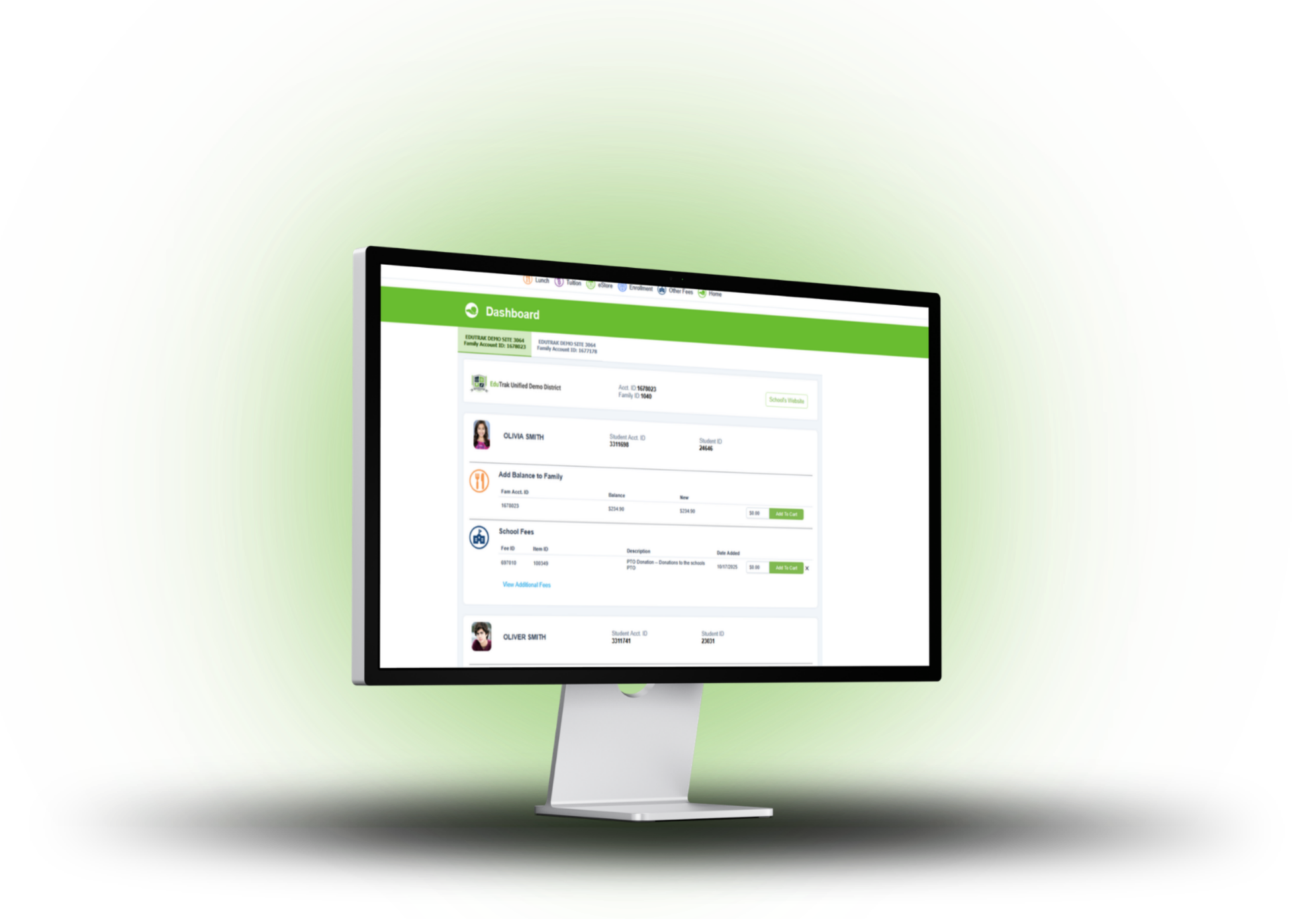
EduTrak parent portal checkout on desktop

Everything parents need. In one place.

Every family in your district gets one login. From that account, parents can see all of their students, check balances, make payments, set up auto-pay, and download statements. It works on any device. No app required.

Multi-student view

All students on one screen, even across multiple schools or programs.

One-time or recurring payments

Pay once or set up auto-pay. Accounts stay current without reminders.

Payment flexibility

Credit card, debit, ACH, Apple Pay, and Google Pay. Fees shown before checkout.

Tax documents on demand

Downloadable statements available year-round. No staff time required.

Low-balance alerts

Email, text, or phone alerts before meal accounts go negative.

Mobile-friendly

Full portal experience on any phone or tablet. No app required.
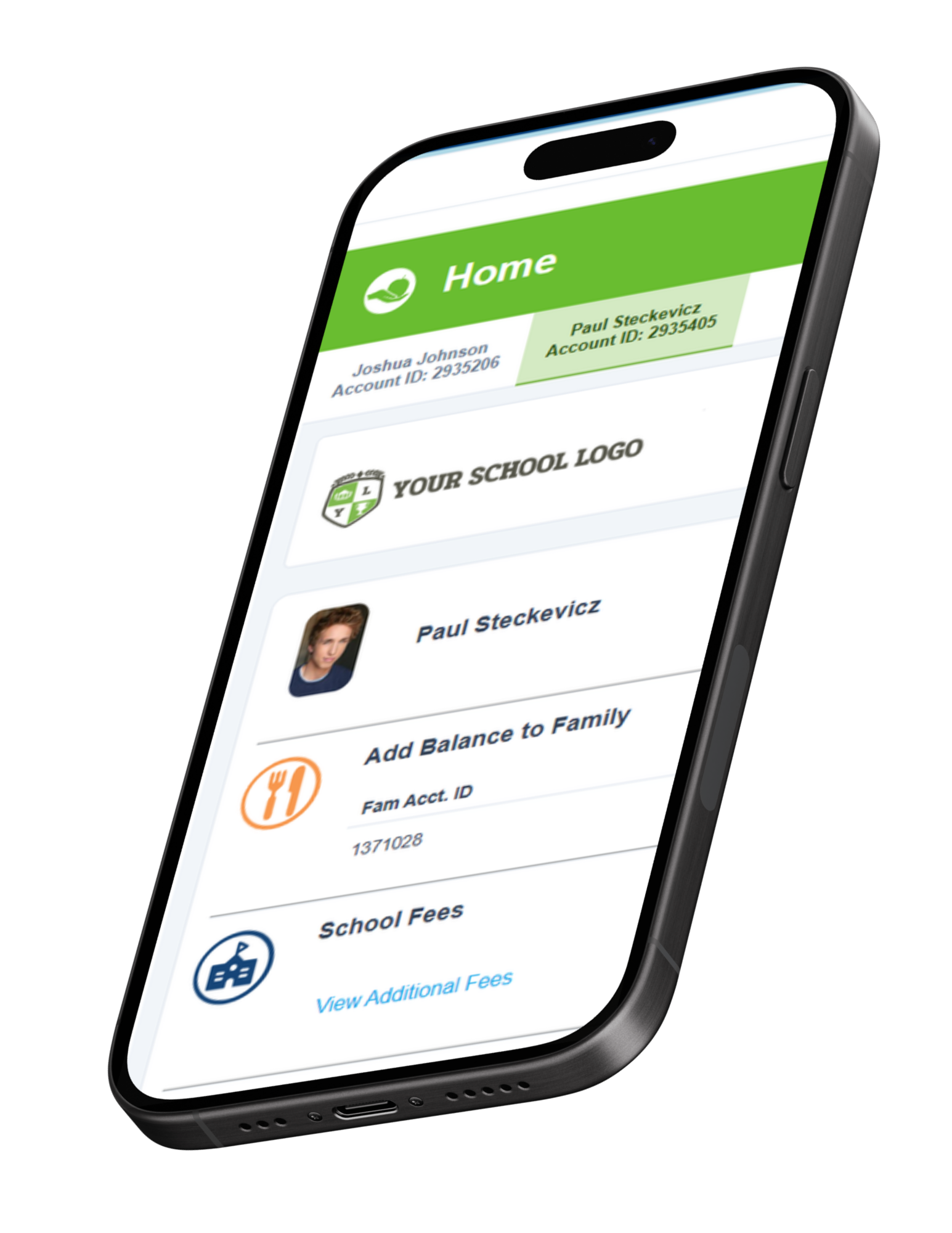
EduTrak parent portal on mobile

What parents can do in each area

The portal is one account, but it covers every area families interact with.

Food Service

Food Service

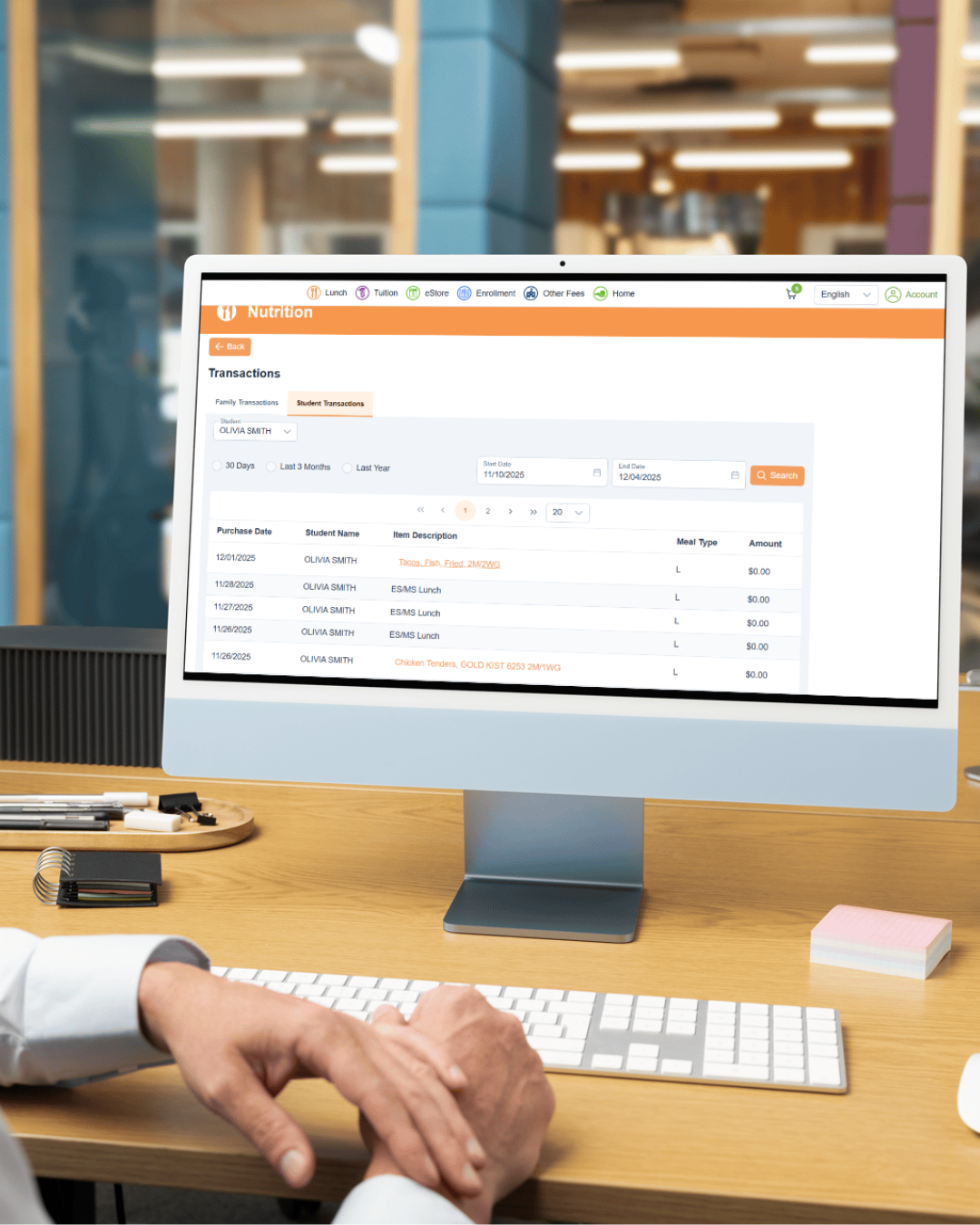
Parents manage meal accounts, track what their students are eating, and stay on top of balances without contacting the office.

Add funds and set auto-refillSet a threshold and refill amount. Accounts stay funded automatically.
View transaction historySee what each student purchased and when, with date-level detail.
Free and reduced applicationsApply online and access approval letters from the portal directly.
Low-balance notificationsEmail, text, or phone alerts before accounts go negative.
Nutritional info via Health-e ProParents can view menu item nutrition details directly in the portal.
Nutrition and transaction history in parent portal
Tuition

Tuition and Billing

Parents stay current on tuition contracts, make payments against a schedule, and download statements, all without calling the business office.

View balance and payment scheduleSee what's owed, when it's due, and what's already been paid.
Sign contracts onlineTuition contracts are presented in the portal for electronic signature.
Download tax statementsYear-round access to tuition payment documentation for tax purposes.
Split billingEach party sees only their portion of the balance with their own portal access.
Real-time payment postingPayments appear immediately in both the parent and admin view.
Fee Management

Fee Management

The right fees show up for the right students automatically. Parents pay in a single cart alongside every other balance.
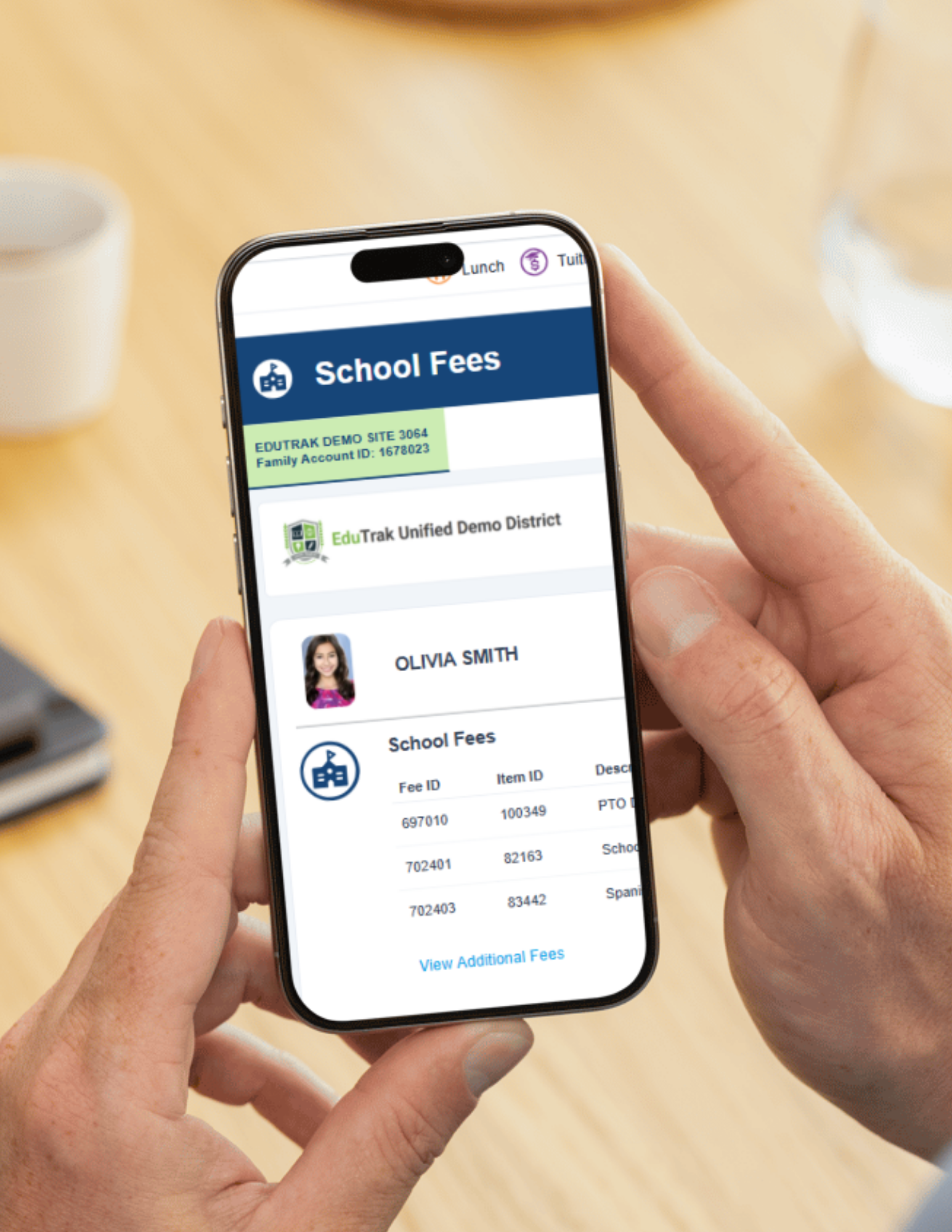

Assigned fees appear automaticallyFees charged by the school show up on the student's card without any action from parents.
Elective fees filtered by gradeField trips, parking permits, and activity fees only appear for students who qualify.
Forms and payment in one stepWhen a fee has a form attached, parents fill it out and pay in a single flow.
One cart for everythingFees, lunch deposits, tuition, and store items share a single checkout.
Expense statements and receiptsDownloadable documentation for FSA reimbursement and employer expense claims.
Student fees on mobile
Childcare

Childcare

Parents manage childcare billing alongside every other school charge, from the same login they already use.

View real-time account balanceChildcare balance appears alongside lunch, tuition, and fees on the family dashboard.
Auto-pay for recurring chargesSet it once. Accounts stay current without staff follow-up.
Attendance and billing recordsView attendance and billing history by student from the same portal.
Tax statements for dependent careDownloadable statements for FSA and dependent care reimbursement, available on demand.
Checkmate kiosk check-inParents check students in at arrival. Records tie directly to billing automatically.
Activities

Activities

Registration, forms, and payment handled in one flow. Parents never need a separate login or a different system to sign a kid up for a sport or activity.

Online registrationParents register students for sports and activities directly from the portal. Built-in forms, waivers, and payment — completed in one visit.
Multi-athlete familiesParents with more than one student manage all registrations under one login and can complete payment for multiple students in a single transaction.
SIS-synced student dataStudent name, grade, school, and enrollment status pull from your SIS via DataBridge. Registration starts with accurate information already in place.
Real-time roster visibilityCoaches and administrators see registration and payment status update immediately. No waiting for a manual export or end-of-day report.
Same portal as everything elseActivities registration lives alongside tuition, lunch, childcare, and fees. One account, one login, one place for families to manage it all.
eStore

eStore

The school store lives inside the same portal. Parents browse, buy, and check out alongside their fees and lunch deposits in one transaction.

Browse and buy from any deviceThe store is fully responsive. No separate app, no separate account.
Shared cart with all other chargesStore items, fees, and lunch deposits check out together in a single transaction.
Forms and options at checkoutSize selections, permission forms, and other required fields collected before payment.
Guest checkoutFamily members without a student account can still buy. Useful for spirit wear and fundraisers.
SIS-synced accountsStudent and family data carries over from your SIS automatically.
School store on mobile

Every self-service action is a call your office doesn't get.

When parents can find their balance, make a payment, download a statement, or submit a free and reduced application on their own, your staff isn't fielding those requests. Auto-pay keeps meal and childcare accounts funded without reminder calls. Tax documents are available on demand so you're not pulling records in February. The portal doesn't replace your staff. It handles the routine so they can focus on everything else.
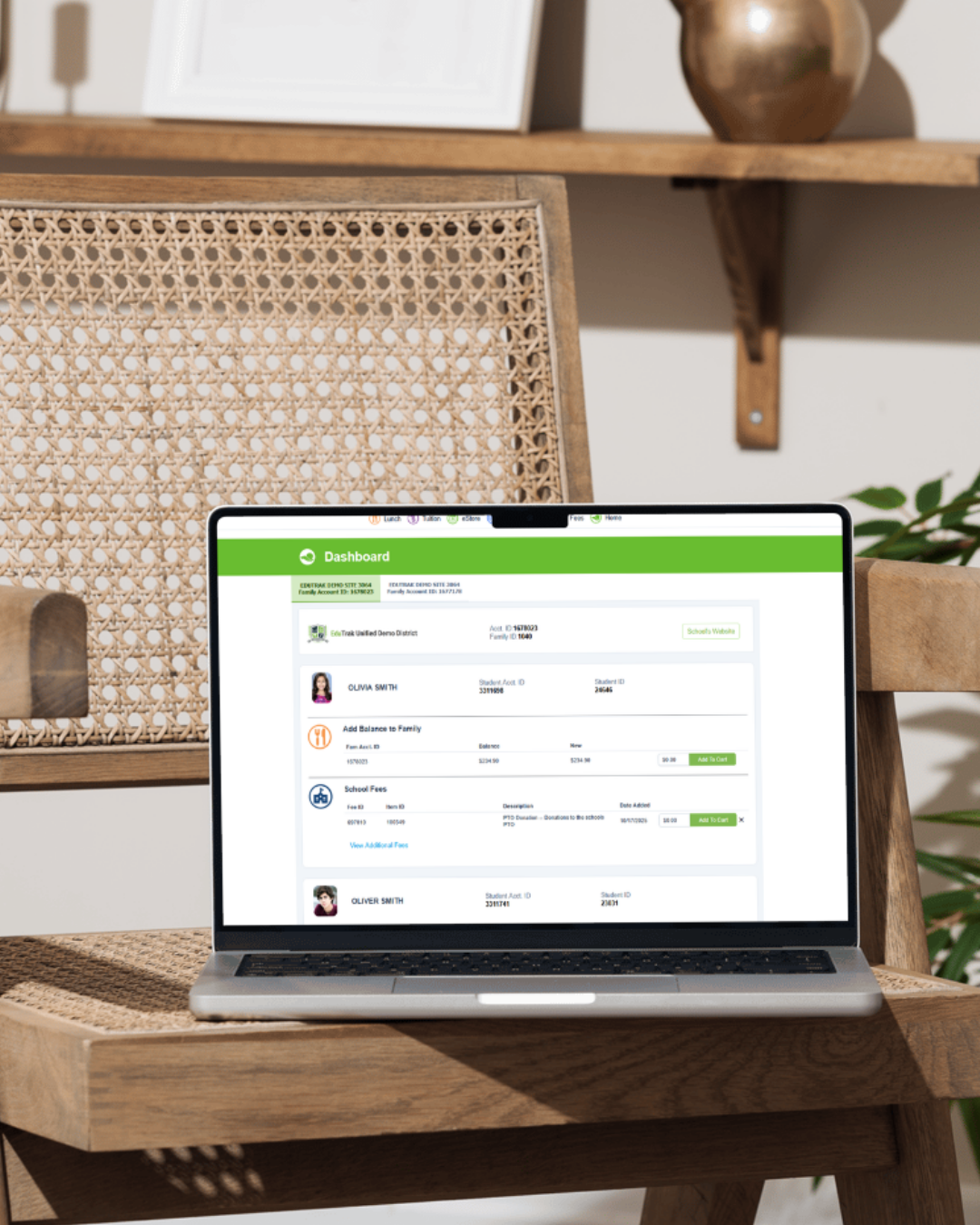
EduTrak parent portal dashboard on laptop

Want to see what the portal looks like?

Walk through the parent experience in our interactive demo, or talk to someone on our team.

Explore the Demo Talk to Sales